YOUR VOICE.
YOUR START.
Tap Listen, get set, and say “Shooter ready.” Pro Vision handles the standby and start beep—giving you a hands-free start without rushing to beat a countdown.
PRO VISION / SHOT TIMER
MORE THAN A TIMER. A NEW PERSPECTIVE.
Tap Listen, get set, and say “Shooter ready.” Pro Vision handles the standby and start beep—giving you a hands-free start without rushing to beat a countdown.
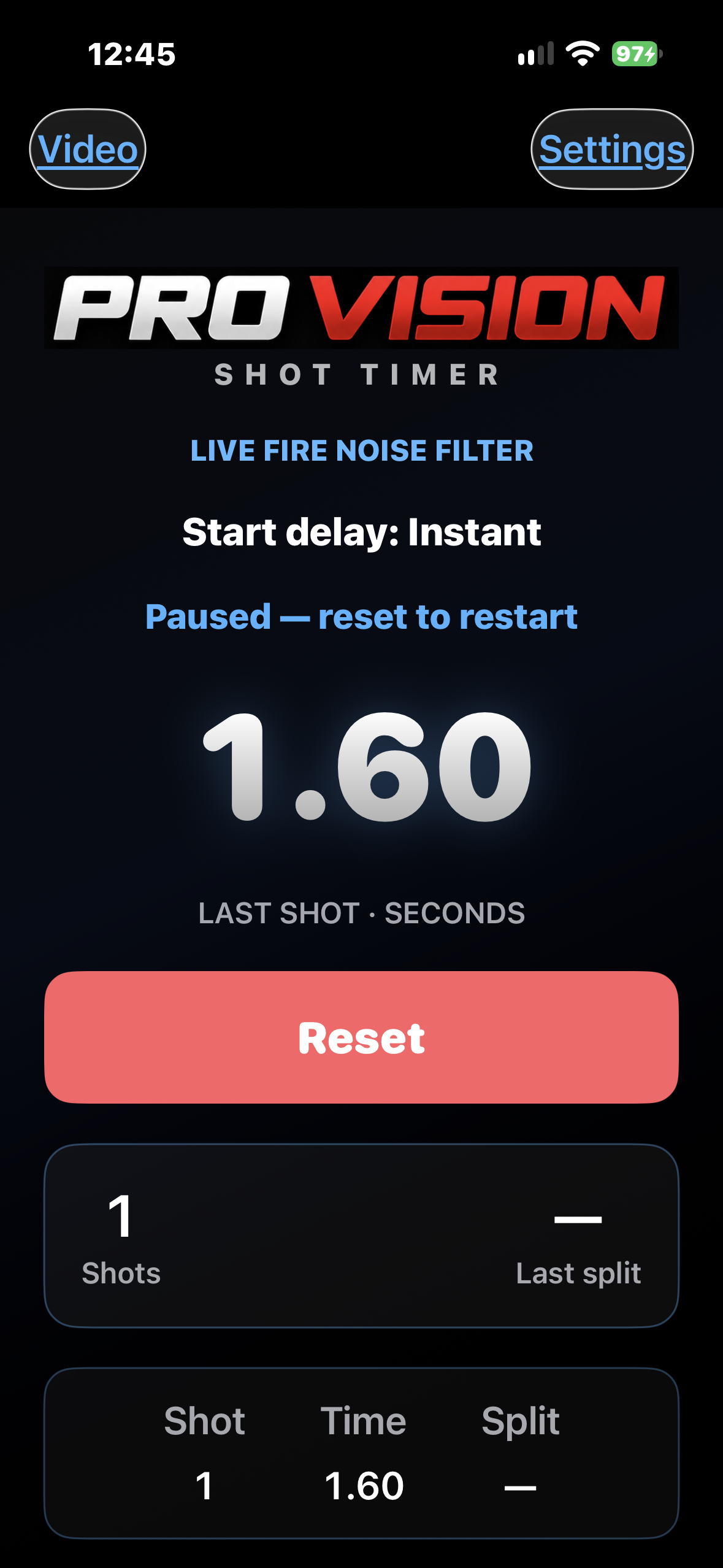
Pro Vision’s multi-stage detection algorithm analyzes sound intensity, frequency patterns, and acoustic decay to distinguish shots from speech, background noise, and firearm handling—bringing intelligent sound analysis to every session.
Pro Vision syncs your video with the timer, displaying each recorded shot’s number, time, and split right on the video.
Choose a dry-fire mode tailored to your firearm, with dedicated detection for revolvers and semi-autos. Each mode remembers its own sensitivity and echo settings.
BUILT AROUND YOUR PRACTICE
Rack the slide after a trigger pull to reactivate voice listening. Start your next repetition with “Shooter ready,” while keeping every shot in one continuous log.
Available only in Dry Fire Semi-Auto.Tap a shot in the list to jump straight to that moment in your video. Review individual shots without searching through the full recording.
MAKE THE MOST OF PRO VISION
A few simple habits for a smoother session.
EXPLORE THE GUIDEMore setup and calibration guidance coming soon.
Choose Live Fire, Dry Fire — Revolver, or Dry Fire — Semi-Auto. Each mode remembers its own sensitivity and echo settings. Then set your number of strings, start delay, and par time to suit your session.
Tap Listen first. When the app prompts you to say the command, say “Shooter ready.” The app handles the standby and start beep.
Use screen orientation to position the phone’s microphone toward you or away from you, depending on who’s using the timer.
Sensitivity and echo filtering work together. Change one setting at a time and check the results before making another adjustment. Detailed calibration guidance is coming soon.
Use video to review each shot alongside its time and split. Tap a shot in the review list to jump to that moment.
Confirm the selected detection mode and review your sensitivity and echo settings. A longer echo interval can reduce duplicate counts, but may also exclude closely spaced shots.